Capture

Browser extension

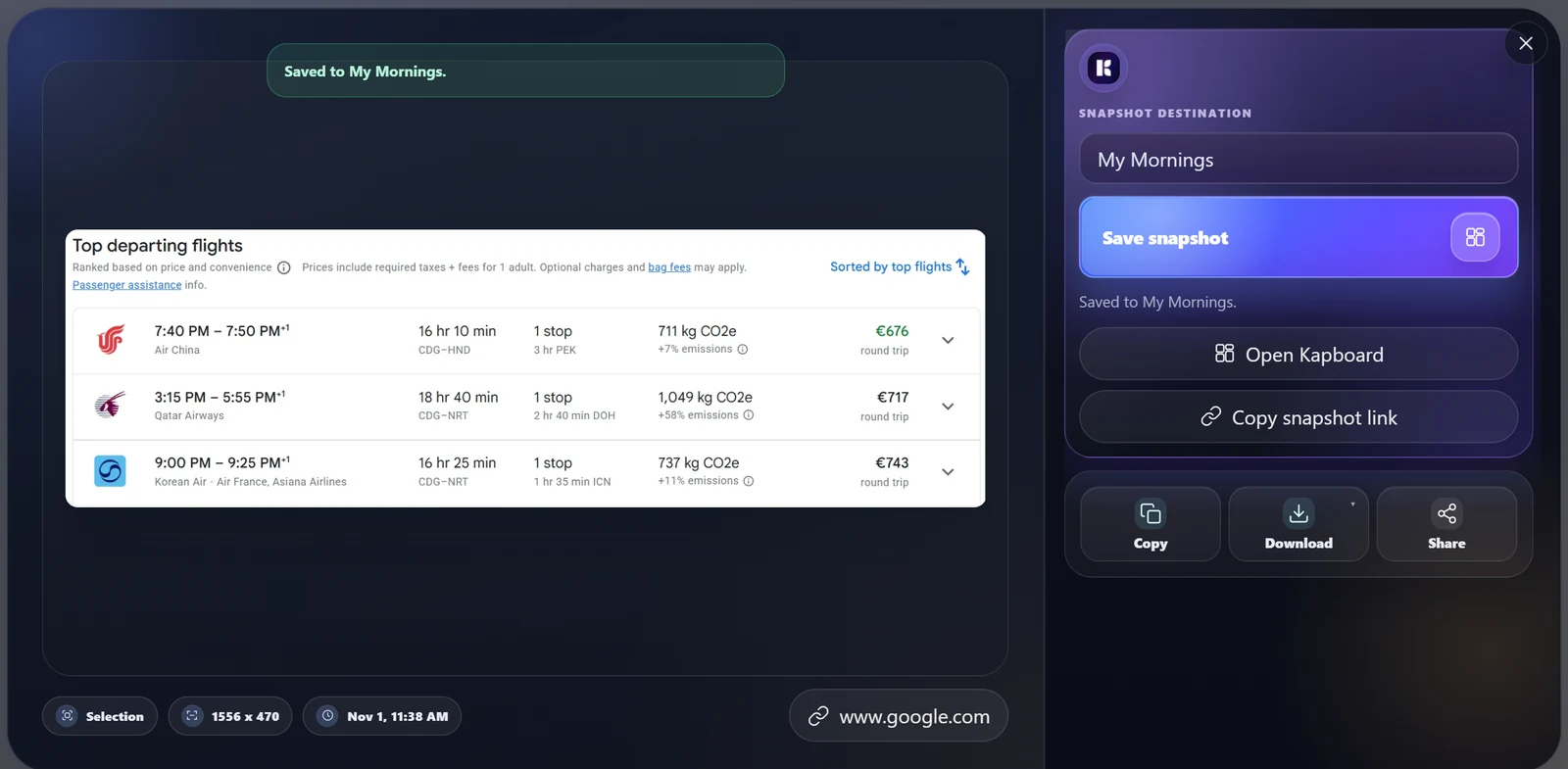
Capture a selected area, viewport or full page from the browser session you already use, then send it to the right Kaptr.me board.

Chrome & Edge

Capture the part worth watching.

Use the same Kaptr.me extension design shown in the landing product story. Select one useful signal from a page your browser can already access, then send that snapshot to a board.

nvidia.com / GeForce RTX 5090Illustrative demo
NVIDIA STOREGraphics cardsNew releasesSupport
GEFORCE · LIMITED AVAILABILITY

GeForce RTX 5090
Founders Edition

A product page people may genuinely want to revisit when price or availability changes.

Current price€2,349 Availability● Low stock Track this area
01
Capture Zone

Click one corner, drag the + cursor diagonally to the opposite corner, then confirm the crop.

02
Smart Block

Let Kaptr.me target a coherent visual block when drawing a crop is unnecessary.

03
Visible / Full Page

Capture the viewport or complete page when the broader context is the useful object.

After capture

One snapshot. Still useful tomorrow.

The saved visual keeps its source and crop so the board can refresh it, keep history where available, and share or export it without rebuilding the layout.

Refresh later

Update the information while keeping the same dashboard position and crop.

Revisit history

Return to successful previous versions when your plan includes version history.

Share or export

Keep the board private, share intentionally, or export the visual when it is ready to leave Kaptr.me.

Ready to capture

Add Kaptr.me to your browser.

Install the extension, capture one useful region and send it to your first dashboard.